



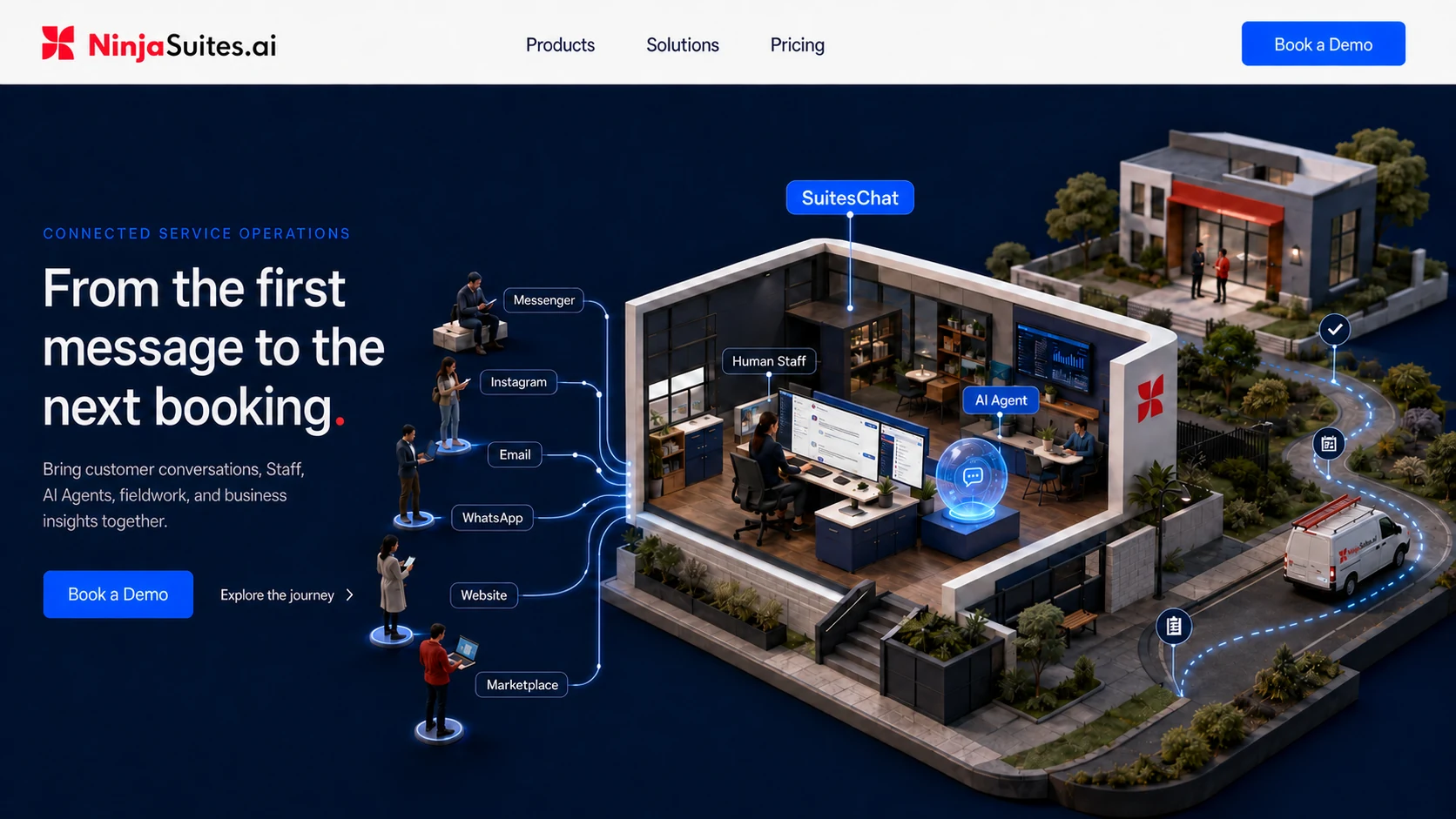
Connected service operations
From the first message to the next booking.
Bring customer conversations, Staff, AI Agents, fieldwork, and business insights together.
Messenger, Instagram, email, WhatsApp, website and marketplace enquiries enter one shared workspace.
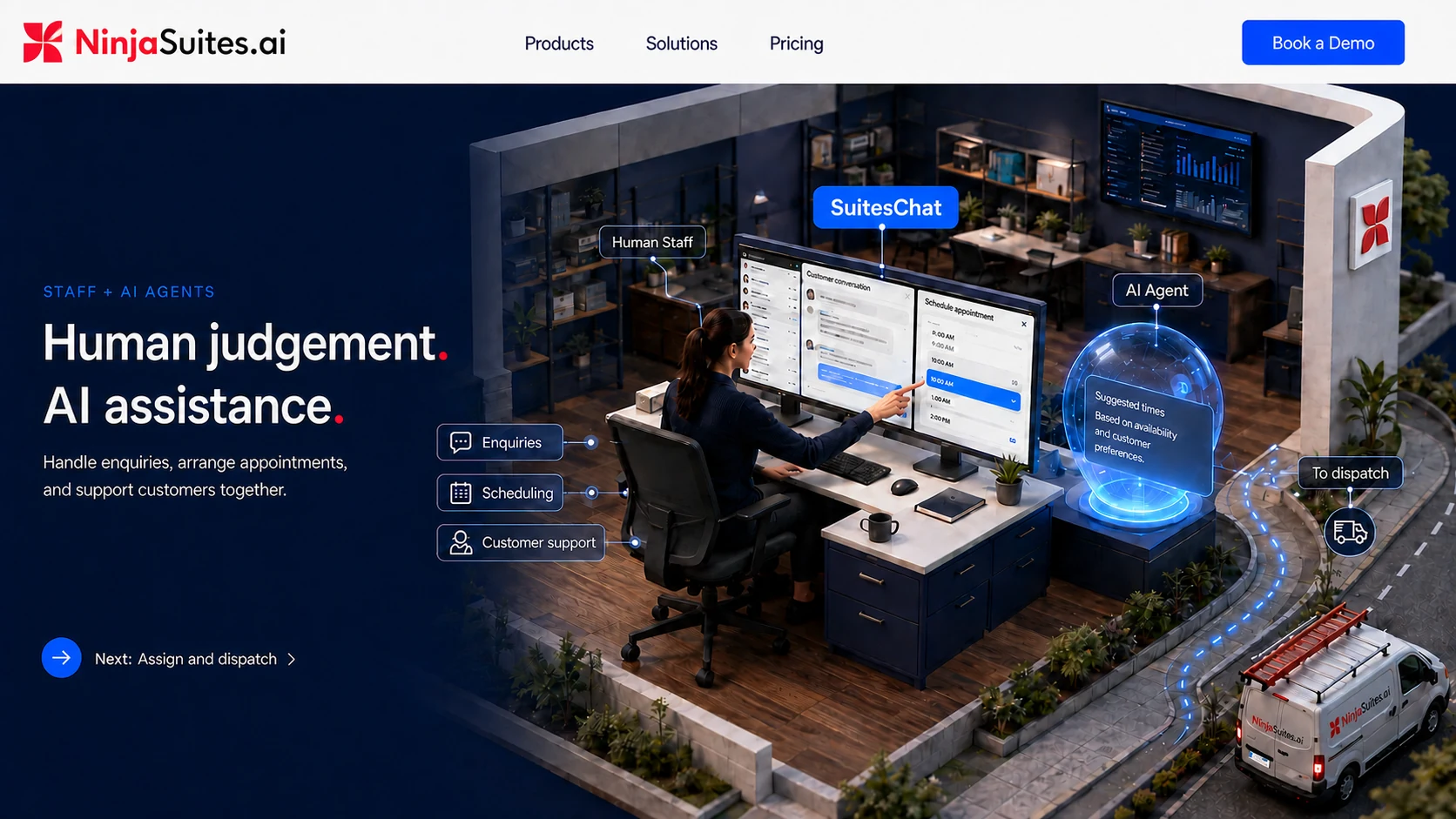
Human Staff + AI Agents
Human judgement. AI assistance.
Handle enquiries, arrange appointments, and support customers together.
Your coordinators work alongside AI Agents in SuitesChat, keeping the conversation and its next steps in view.
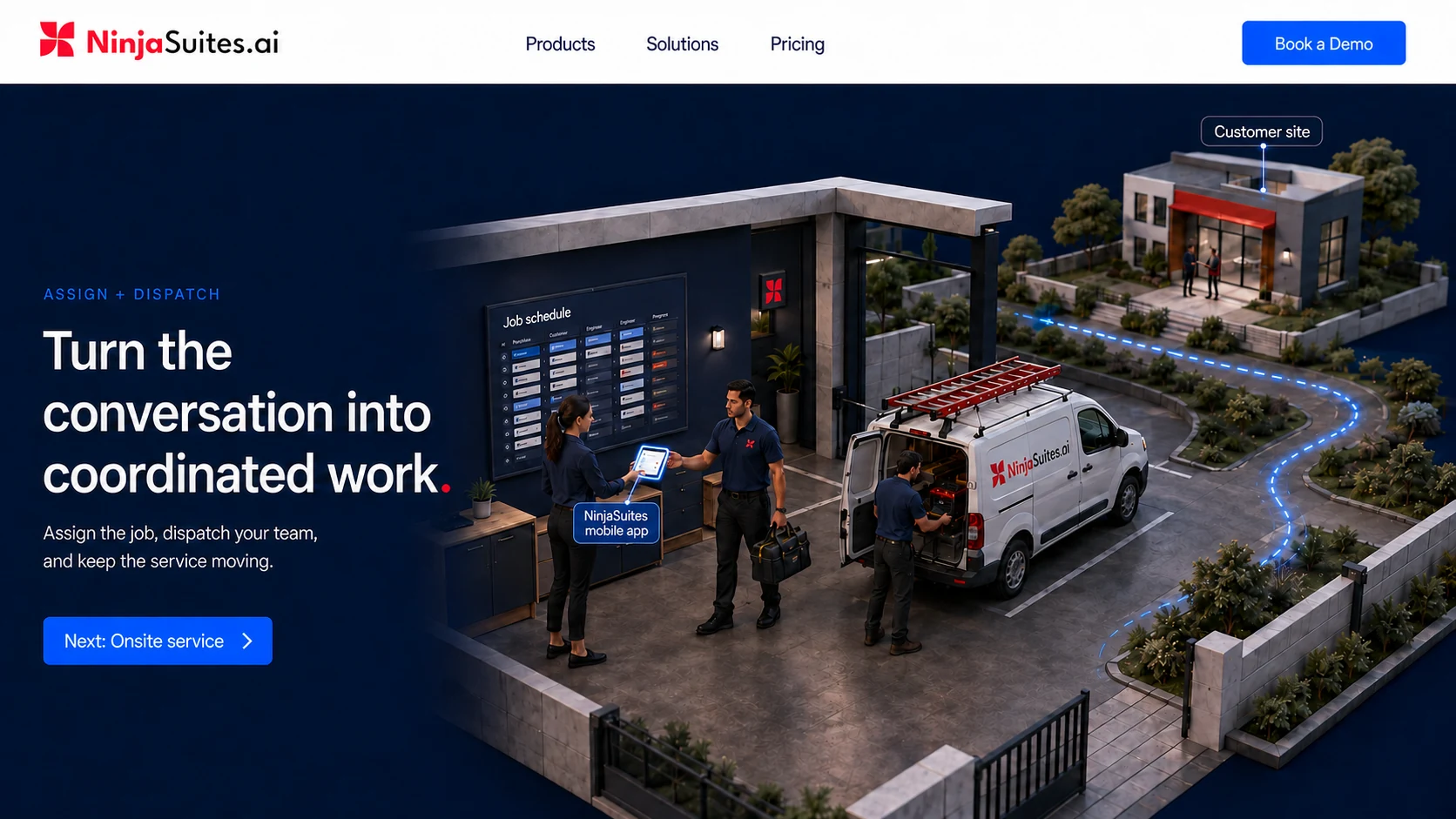
Assign + dispatch
Turn the conversation into coordinated work.
Assign the job, dispatch your team, and keep the service moving.
Field Staff take the work onsite with the NinjaSuites mobile app.
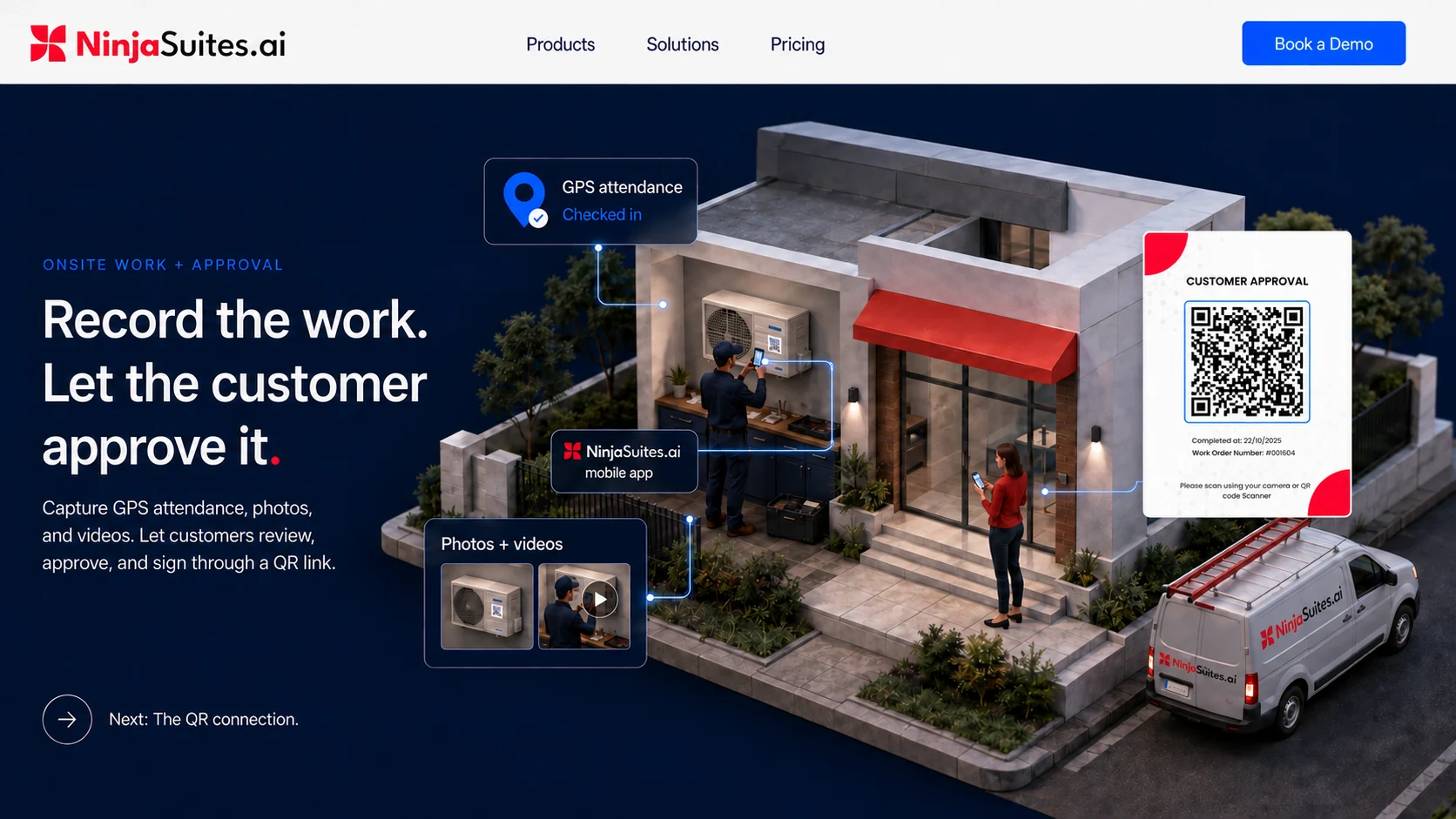
Onsite work + customer approval
Record the work. Let the customer approve it.
Capture GPS attendance, photos, and videos. Let customers review, approve, and sign through a QR link.
The job connects your field team, its service evidence, and the customer's approval.
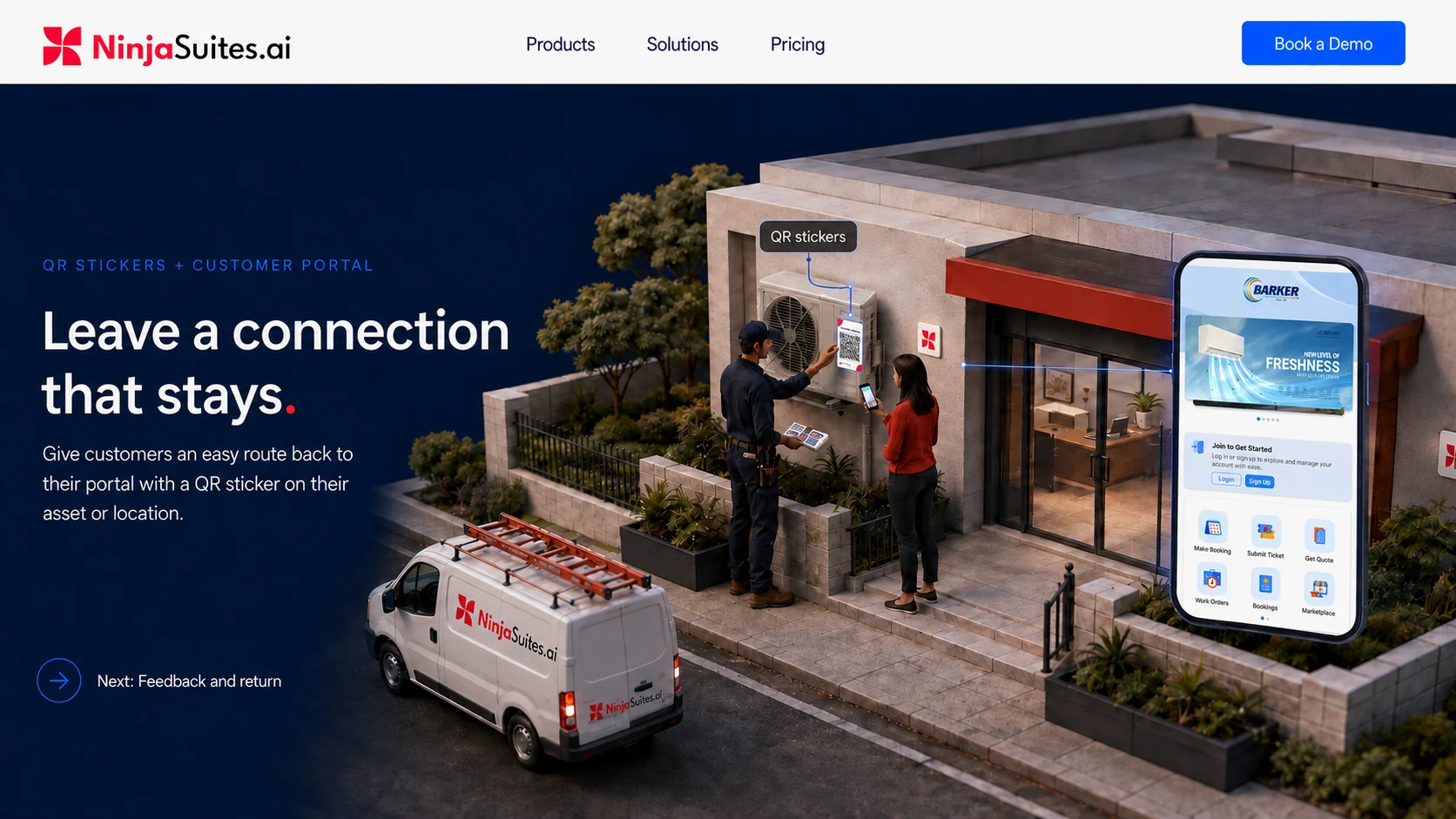
QR stickers + customer portal
Leave a connection that stays.
Give customers an easy route back to their portal with a QR sticker on their asset or location.
Field Staff apply the sticker to the asset. Your customer scans it to return to your branded app.
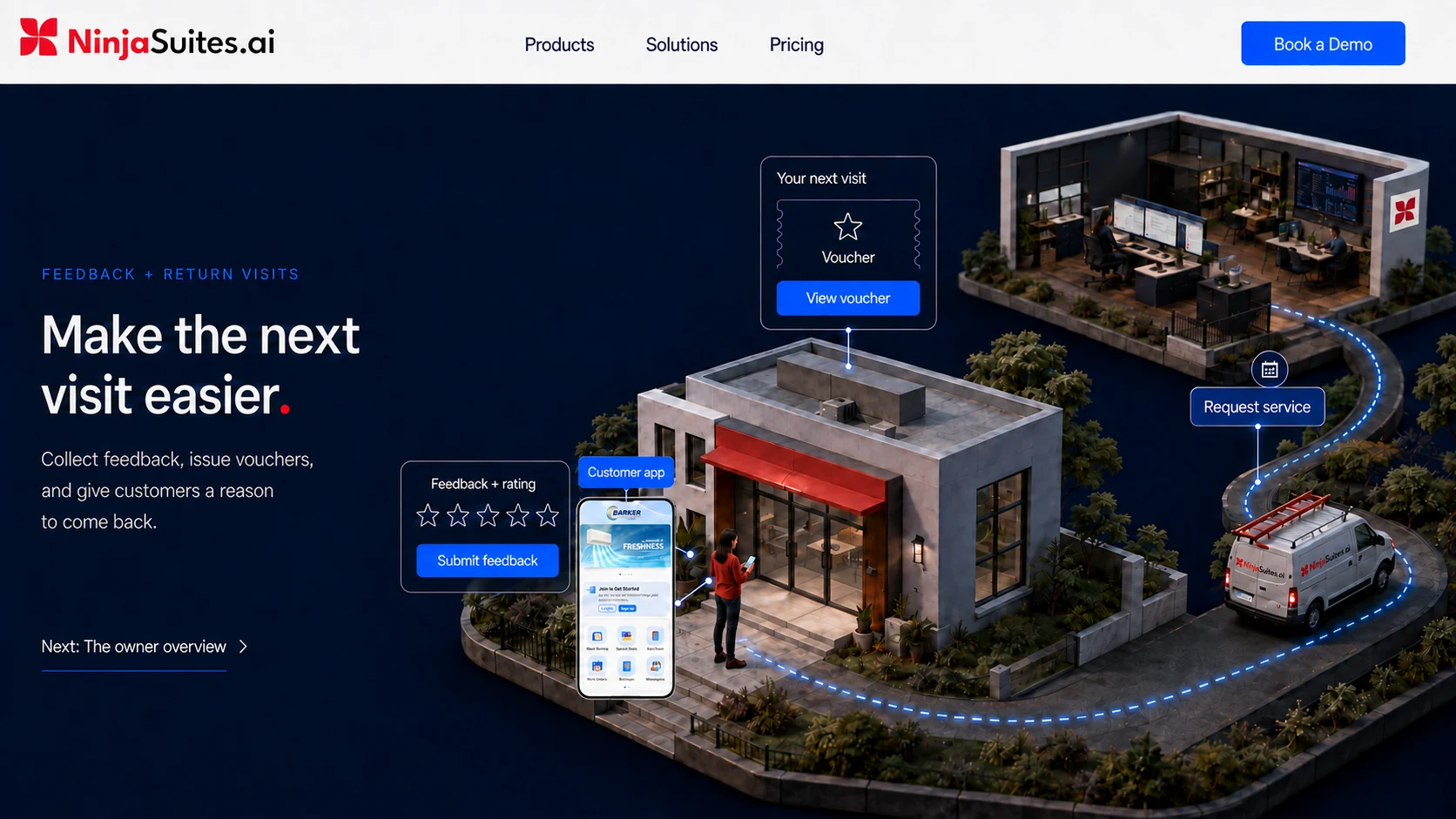
Feedback + return visits
Make the next visit easier.
Collect feedback, issue vouchers, and give customers a reason to come back.
The same customer returns through your app, starting the next service conversation.
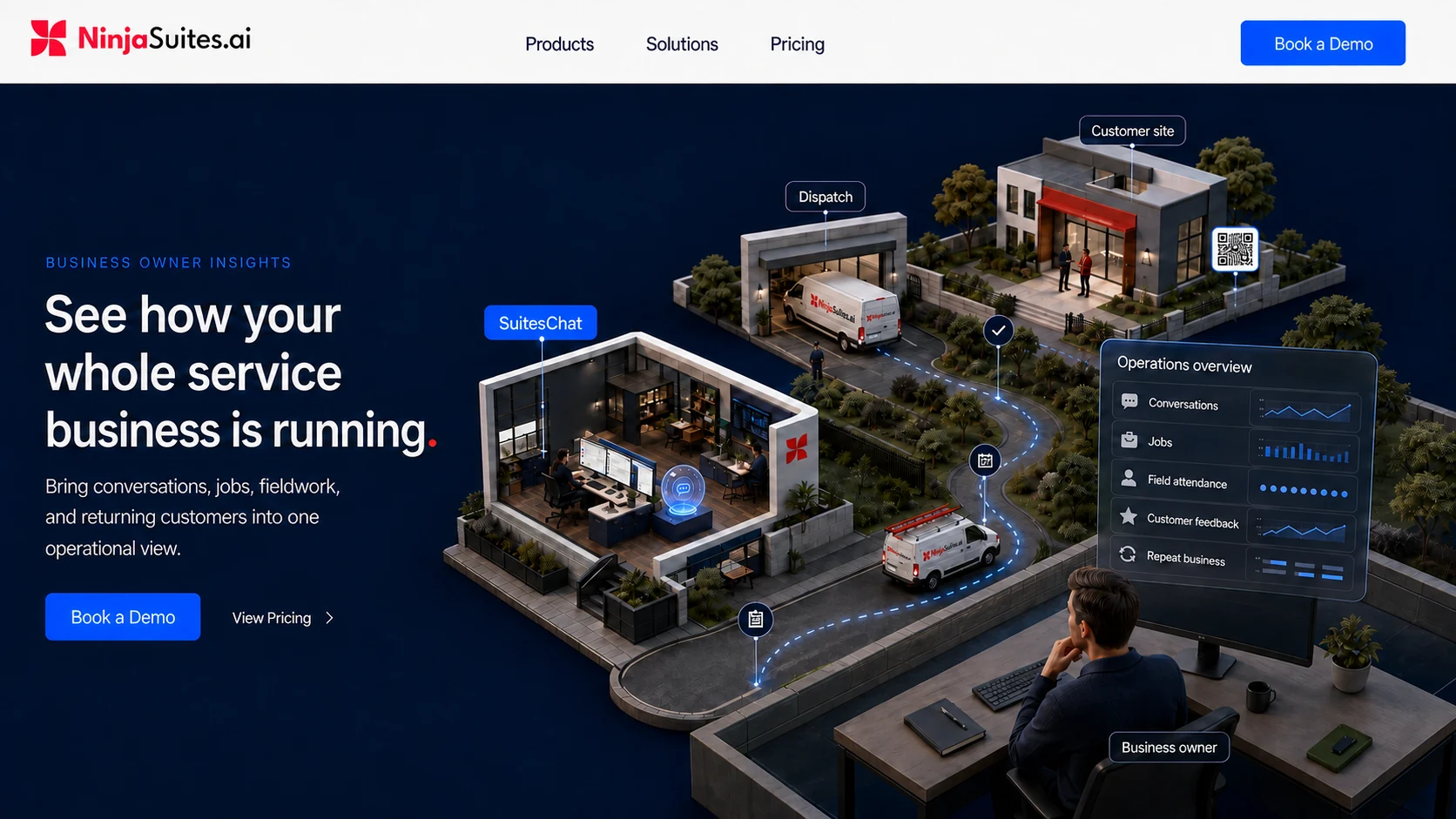
Business owner insights
See how your whole service business is running.
Bring conversations, jobs, fieldwork, and returning customers into one operational view.
An intelligent insights dashboard helps the owner see the service cycle as a whole.
The work behind the service
Service operations software. From enquiry to repeat visit.
NinjaSuites connects customer conversations, scheduling, work orders, field Staff and customer follow-up. Your office team coordinates the job, your field team records the work, and your customer stays involved through a branded portal.
Who we serve
Whether you service an air conditioner or look after several properties, each job needs an assigned team, a service record and a clear next step.
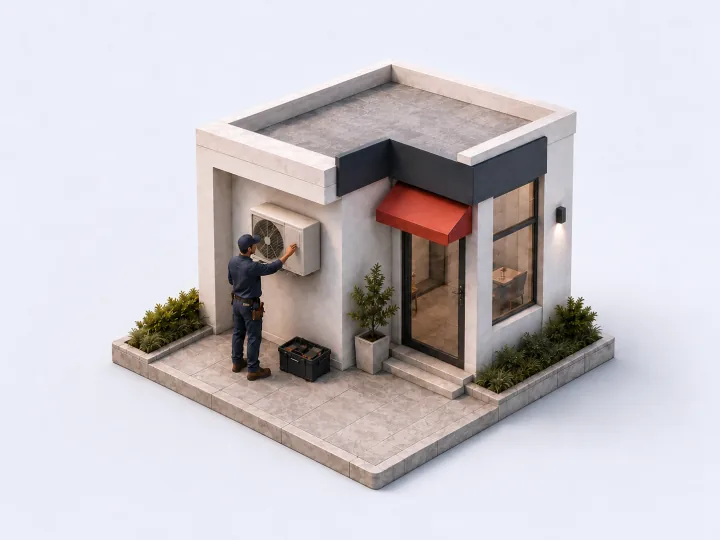
Maintenance & field service
Schedule visits, dispatch technicians and record what happened at the customer’s site.

Facilities & property management
Keep requests, maintenance tasks and service records organised across your properties.
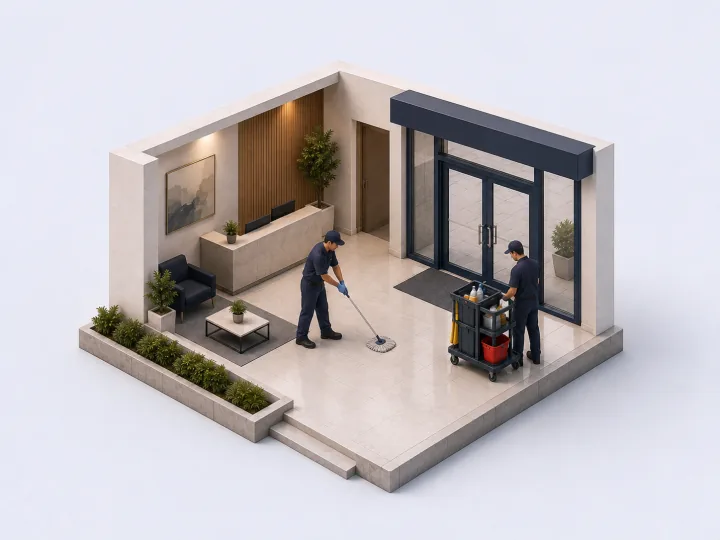
Cleaning & hygiene services
Assign cleaning jobs, track field teams and keep customers informed about the service.
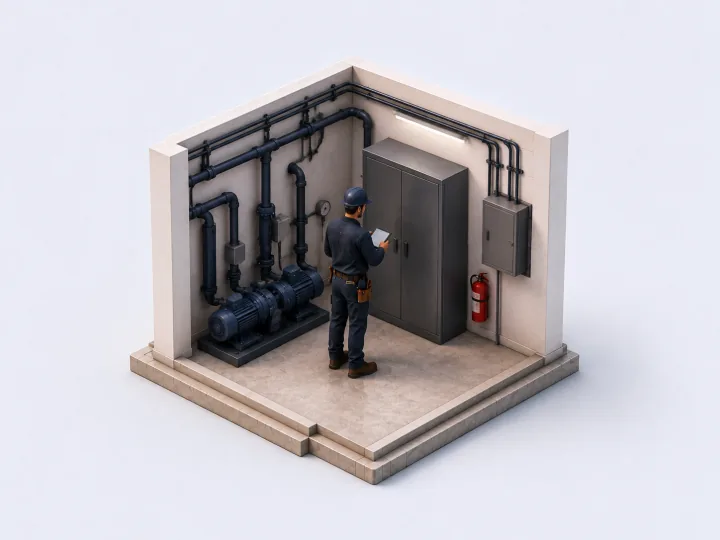
Inspection & compliance
Give inspectors a place to record checks, attach evidence and follow up on required work.
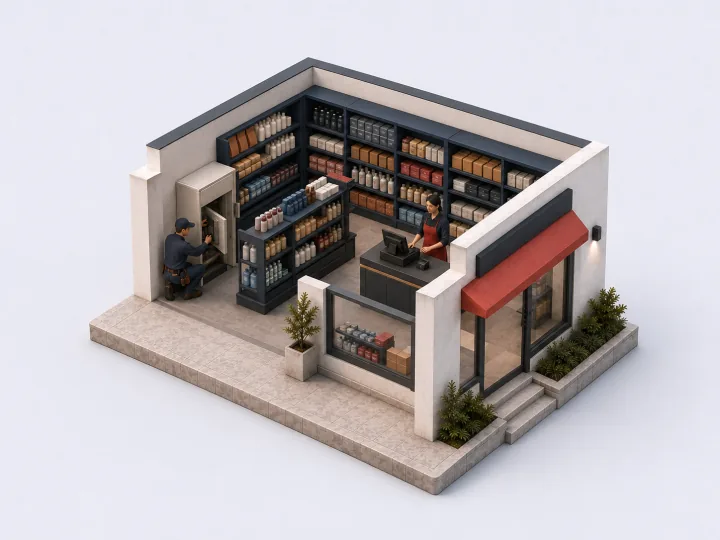
Retail & franchises
Coordinate maintenance requests and service work across outlets from one operational view.
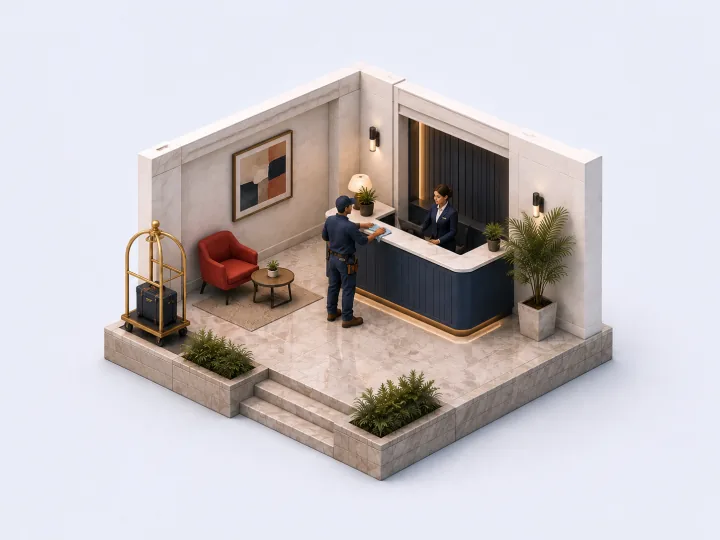
Hospitality & hotels
Bring property maintenance, inspections and service follow-up into the team’s daily work.
Where does the work get stuck?
Choose a problem your team runs into. See how NinjaSuites handles that part of the job.
Customer messages are scattered.

Give the conversation a shared workspace.
Bring enquiries into SuitesChat. Human Staff and AI Agents handle questions, scheduling and customer support with the conversation in view.
Walk through this with us Explore SuitesChatThe office keeps chasing job updates.
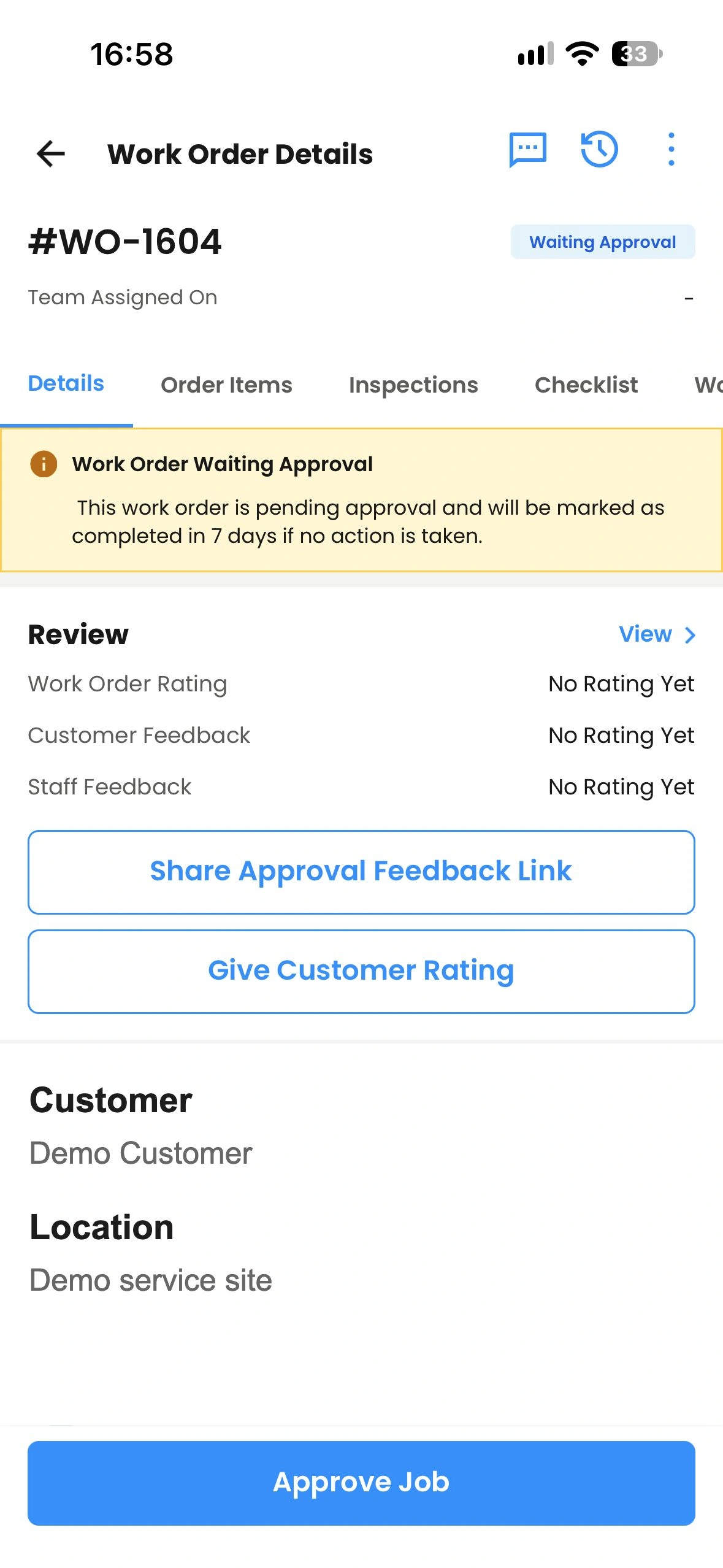
Keep the job record with the work.
Field Staff use the mobile app to record attendance and add photos or videos. The work order gives the office a record to review and follow up on.
Walk through this with us Explore work order managementWe’re waiting for customer approval.
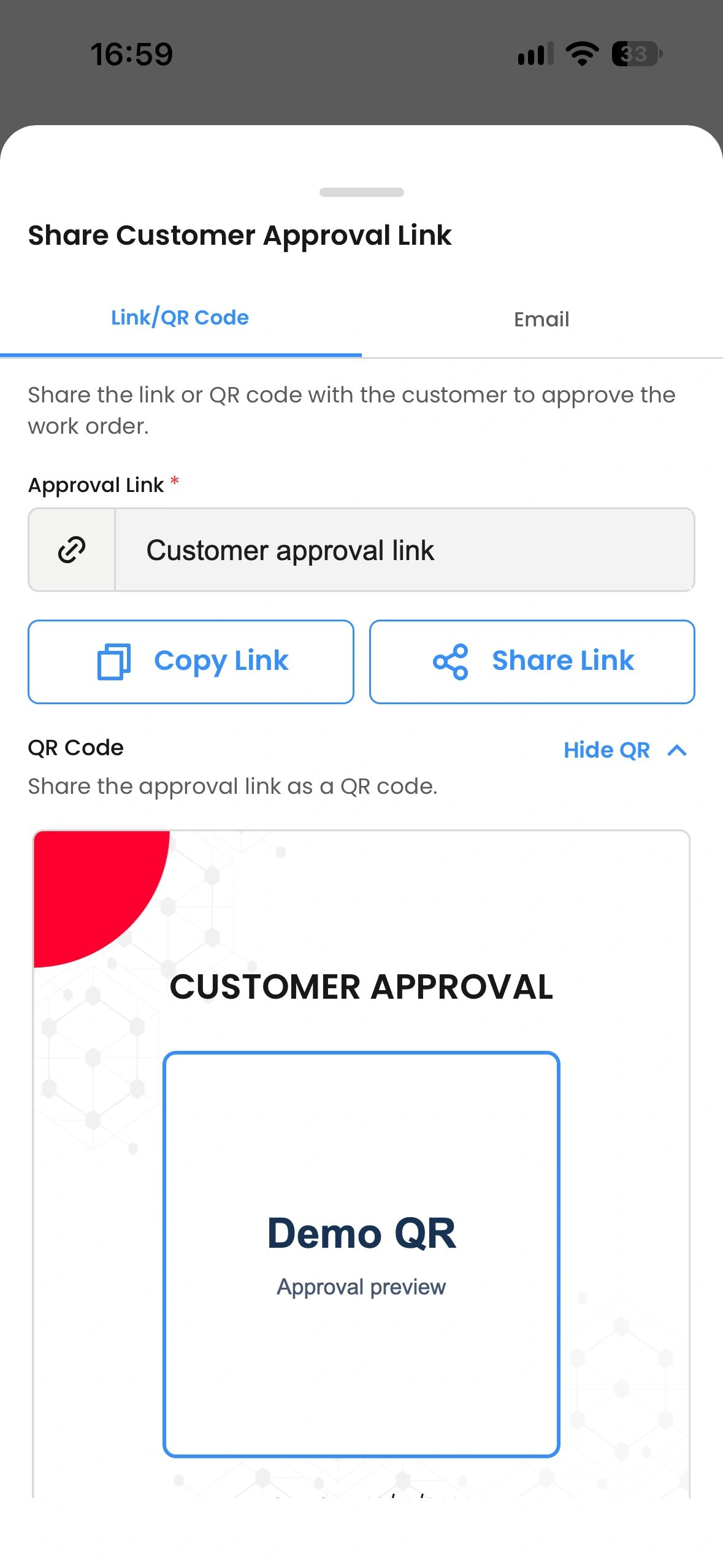
Share the job for review and sign-off.
Staff share an approval link or QR code from the job. The customer can open it to review the work and sign. This approval QR is separate from the sticker used to return to the customer portal.
Walk through this with us Explore customer approvalCustomers disappear after the first visit.
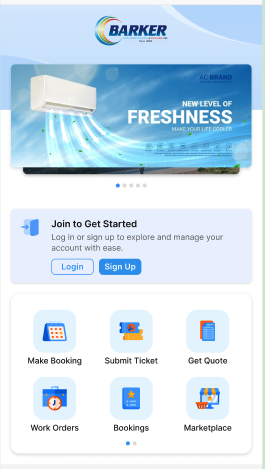
Leave customers a way to book again.
A sticker on the asset or location links to your branded customer portal. Customers can return to make a booking, submit a ticket or request a quote.
Walk through this with us Explore the customer portalInside the platform
Give each person the tools for their part.
Office coordinators, field Staff, customers and business owners take part in the same service cycle.
For the office
Keep the conversation with the coordination team.
SuitesChat brings enquiries into a shared workspace. Human Staff work with AI Agents on enquiries, scheduling and customer support, then coordinate the next step.
Explore SuitesChat- Customer conversations
- Appointment coordination
- Human Staff + AI Agents
For the owner
See the operation behind each completed job.
Review operational information across customer conversations, jobs, fieldwork and follow-up. Use the dashboard to see how the service cycle is running.
Explore reporting and insights- Operational visibility
- Service activity
- Customer follow-up
For field Staff
Take the job onsite. Bring back the record.
Staff use the NinjaSuites mobile app to work with assigned jobs, record GPS attendance and capture photos or videos. Share a job approval link or QR code so the customer can review the work and sign.
Explore work order management- Assigned work orders
- Attendance and job evidence
- Customer approval
For the customer
A route back to your business.
A QR sticker on an asset or location takes the customer to your branded portal. They can make a booking, submit a ticket or request a quote. Feedback and business-issued vouchers support the next visit.
Explore the customer portal- Bookings and service requests
- Asset or location QR stickers
- Feedback and return visits
Common questions.
Start with the workflow you want to improve. We can walk through it using your type of service business.
What is NinjaSuites?
NinjaSuites is service operations software for businesses that coordinate customer enquiries, appointments and onsite work. It connects office coordination, field Staff, job records and customer follow-up.
Which businesses is NinjaSuites designed for?
NinjaSuites serves maintenance and field service providers, facilities teams, cleaning businesses, inspection providers, retail and franchise operators, and hospitality teams. The shared requirement is coordinating service work across people and locations.
How do Human Staff and AI Agents work together?
Human Staff and AI Agents work together in SuitesChat on enquiries, appointment coordination and customer support. Discuss the channels, AI Agent tasks and handover rules you need during the demo so the setup matches your operation.
What can field Staff record in the mobile app?
Field Staff can work with assigned jobs, record GPS attendance and capture photos and videos of onsite work. They can share the customer approval link or QR code so the customer can review and approve the job.
Is the job approval QR the same as the asset sticker?
They have different purposes. A job approval QR opens the approval process for a specific work order. A sticker attached to an asset or location gives the customer a continuing route back to the branded customer portal.
Can customers book another service through the portal?
Yes. The branded customer portal can provide booking, service ticket and quote request options. Customers can return through the QR sticker on their asset or location.
How do I choose the right NinjaSuites setup?
Start with the people, locations and workflows you need to manage. Review the pricing options, then bring a typical service job to your demo to discuss the modules, channels and AI Agent capabilities your team needs.
Let’s walk through your operation.
Bring a typical job, from the first enquiry to the customer’s next booking. See where NinjaSuites fits your team’s work.
Book a Demo
What to bring to the conversation
- Where your customer enquiries arrive.
- How your team schedules and assigns jobs.
- What Staff record onsite.
- How customers approve work and book again.