


Facility teams use chat because it is fast. A tenant can send a photo. A supervisor can alert a technician immediately. A vendor can confirm arrival. In daily operations, chat is often the quickest way to communicate.
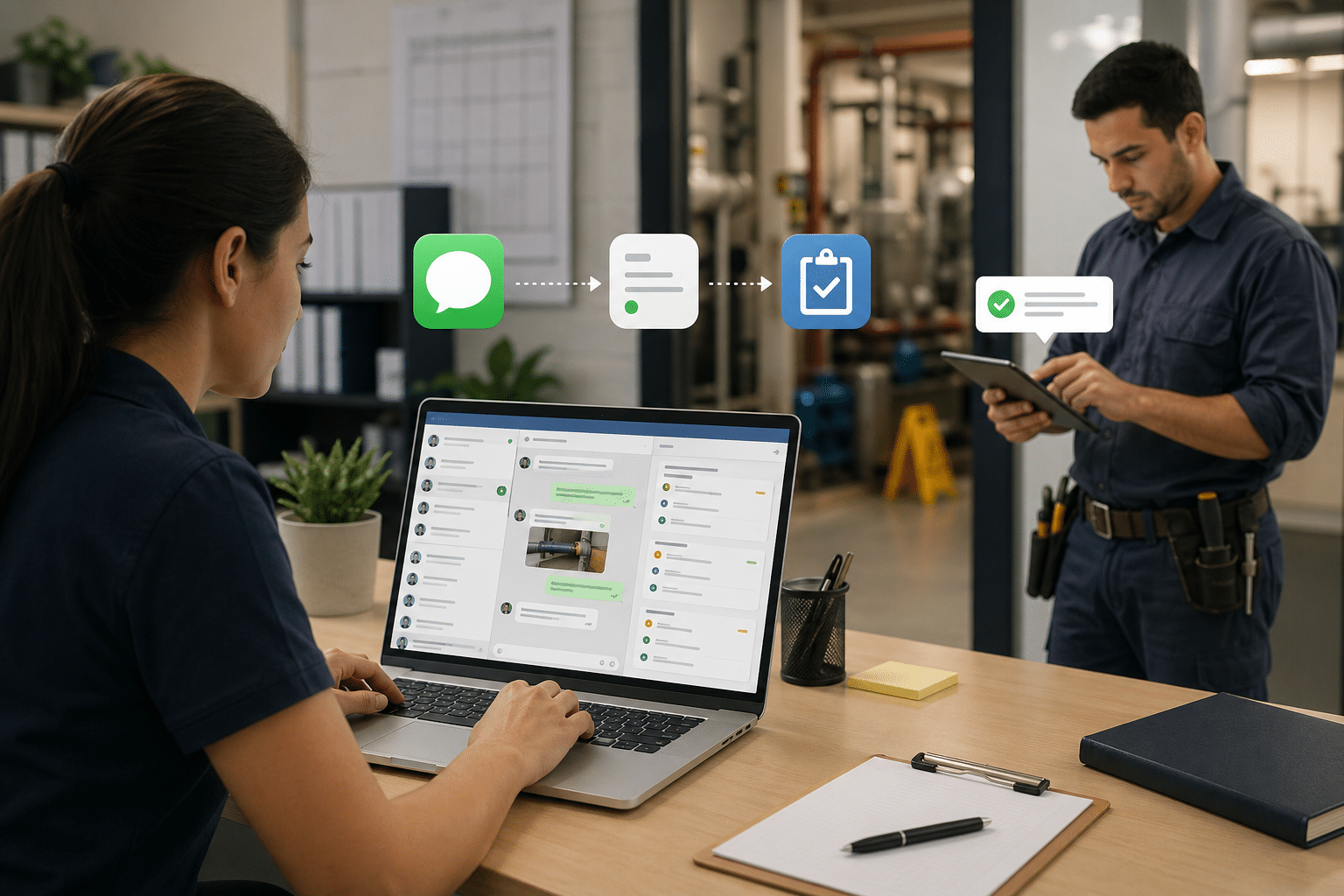
image source : ChatGPT Image 2.0
The problem is that chat is not a complete maintenance system. Messages can be acknowledged without being assigned. Photos can be separated from the job record. Completed work can stay buried in a long thread. Managers then need to search conversations to understand what happened.
A WhatsApp-to-work-order or chat-to-ticket workflow keeps the speed of messaging while adding structure behind it. This guide explains how facility teams can turn chat messages into trackable requests and how NinjaSuites.ai can support omnichannel service operations.
Quick answer: A chat-to-work-order workflow turns maintenance messages into trackable requests with assignment, status updates, history, and reporting instead of leaving work buried in chat threads.
Why facility teams rely on chat
Chat is familiar, immediate, and easy to use on site. It works well for quick updates, photos, short confirmations, and urgent alerts. For many teams, it is already part of daily maintenance coordination.
The issue is not chat itself. The issue is using chat as the only place where work is tracked. A chat thread is not designed to manage ownership, priority, due dates, field updates, reporting, or long-term history.
NinjaSuites.ai references unified chat and tickets on its facilities page, including WhatsApp ticket creation. That points to a practical bridge between communication and accountable work management.
Where chat-based maintenance breaks down
The first problem is ownership. A message can be seen by several people, but no one may be formally assigned. The second problem is status. Someone may be working on the issue, but the manager cannot quickly see whether the job is new, assigned, in progress, waiting, or closed.
The third problem is history. Chat search can help, but it is not the same as a structured work record. A manager may need to know all jobs for one unit, one asset, one building, one technician, or one tenant. Chat alone makes that difficult.
The fourth problem is reporting. Management reports need categories, dates, owners, statuses, evidence, and outcomes. Chat messages rarely provide that structure consistently.
What a chat-to-work-order workflow should capture
A strong workflow should capture the original message, requester, location, issue type, priority, attachments, assigned owner, due target, current status, notes, and completion evidence. The chat message becomes the start of a trackable record.
Once the message is captured, it can move through request management and then connect to work order management. This lets teams keep fast communication while still managing work properly.
The system should also avoid unnecessary friction. If creating a work order takes too long, people will keep using chat alone. The best workflow makes structure feel like a natural extension of the message.
How to keep an audit trail without slowing field teams
An audit trail does not need to mean a heavy process. It can be a simple record of who requested the work, who accepted it, what was assigned, what changed, when it was completed, and what evidence supports the closure.
Field teams should be able to update the job from mobile. They should not need to write long reports for every small task. Clear status options, notes, and photos are often enough for daily maintenance records.
Managers can then review the history when questions arise. The workflow supports accountability without turning every chat message into manual paperwork.
How NinjaSuites.ai supports omnichannel maintenance requests
NinjaSuites.ai provides an omnichannel chat solution with centralized dashboards, automated responses, customer insights, multi-channel support, mobile access, and feedback collection concepts.
For facilities teams, the value is in connecting communication to action. Messages should become requests, requests should become assigned work, and completed work should become reportable history.
A practical rollout can start with one channel and one request type. For example, a team can begin by converting maintenance messages into requests, then expand to inspections, cleaning follow-ups, vendor updates, and tenant communication.
Chat-to-work-order checklist
Use this checklist as an evaluation guide before choosing software or updating an existing workflow. Adapt the items to your team size, building type, service commitments, and local operating requirements.
- Original message and attachment capture
- Requester and location details
- Issue category and priority
- Assigned owner or vendor
- Status updates and due target
- Notes, photos, and completion evidence
- History by unit, building, requester, or asset
- Reports for open, delayed, and completed requests
Common mistakes to avoid
The first mistake is choosing WhatsApp ticketing for facility maintenance only by feature count. A long feature list does not guarantee that the system will fit the team’s daily workflow. Facility teams should evaluate whether requests, assignments, updates, evidence, and reports can move through the system naturally.
The second mistake is copying a manual process into software without improving it. If the current process has unclear ownership, too many status labels, missing categories, or inconsistent follow-up, digitizing the same process will preserve the confusion. Clean up the workflow before asking the team to use it every day.
The third mistake is ignoring field adoption. A manager may like a dashboard, but technicians and site staff need simple mobile steps. If updates take too long, the system will not stay current. The best software setup makes the correct action easier than sending another untracked message.
The fourth mistake is overpromising what the system can prove. Software can organize records, improve visibility, and reduce manual coordination. It should not be used to claim guaranteed savings, compliance outcomes, or service improvements unless the organization has measured and verified those results.
Implementation approach
Start with one workflow before trying to digitize everything. A focused rollout gives the team a cleaner change process and makes adoption easier to measure. For most facilities teams, the best first workflow is the one that already creates the most manual follow-up.
Define simple categories, clear ownership rules, and a small set of statuses. Then review real usage after the first few weeks. If the team is skipping fields or returning to chat, the workflow may be too heavy or missing an important operational step.
The goal is a system that reflects how work actually moves through the property. Software should reduce coordination work, not create a parallel process that managers need to chase.
Before launch, write down the operating rules in plain language. Define who receives new requests, who assigns work, which statuses are allowed, when a job can be closed, what evidence is required, and which reports managers will review. These rules help the team use the same system in the same way.
After launch, review the first set of records quickly. Look for jobs with missing locations, unclear categories, stale statuses, repeated delays, or incomplete completion notes. These problems are useful signals. They show where the workflow needs clearer fields, better training, or simpler rules.
How to measure whether the workflow is working
A facilities workflow is working when managers no longer need to ask several people for basic status information. Open work, delayed work, completed work, and follow-up history should be visible from the system. That does not remove the need for management judgment, but it gives managers better information.
Useful review signals include the number of open requests, overdue jobs, repeated issue categories, average time in each status, tasks waiting on vendors, tasks waiting on access, and jobs closed without enough evidence. These signals help managers improve operations without relying only on anecdotal feedback.
Teams should also review adoption quality. If staff keep using separate spreadsheets or chat threads for the same work, the system may not be solving the real problem. The answer is not always more training. Sometimes the categories, statuses, forms, or routing rules need to be simplified.
For NinjaSuites.ai, the content opportunity is to connect this operational guidance with the public product pages. Readers should understand the problem first, then see how NinjaSuites.ai can support the workflow through connected service operations tools. That balance helps the article serve both search intent and buyer evaluation.
How this supports SEO, AEO, and GEO
This article is structured around a single search intent, a direct answer near the top, clear section headings, practical operational guidance, internal links, and FAQ answers that can stand alone. That structure supports traditional SEO while also making the page easier for answer engines and AI search systems to interpret.
The content avoids unsupported statistics and exaggerated claims. Where product fit is discussed, it is connected to public NinjaSuites.ai solution pages and practical workflow language rather than unverifiable promises.
Frequently asked questions
Can WhatsApp messages become maintenance tickets?
Yes. Chat messages can become maintenance tickets when the message is captured as a request with location, issue type, assignment, status, and follow-up history.
Why is chat alone risky for facility maintenance?
Chat alone is risky because ownership, priority, status, completion evidence, and reporting can remain unclear or buried in long message threads.
What should a chat-to-work-order workflow include?
A chat-to-work-order workflow should include requester details, location, issue type, attachments, priority, owner, due date, status, and completion evidence.
How does NinjaSuites.ai support omnichannel maintenance requests?
NinjaSuites.ai supports centralized communication, multi-channel interactions, request workflows, work order tracking, and facility operations visibility.
See NinjaSuites.ai in action
Book a demo to see how NinjaSuites.ai helps teams centralize messages, requests, work orders, and follow-ups. Book a demo.